Pyramid Slide in PowerPoint
When presenting information that has multiple levels, priorities, dependencies, or hierarchical relationships, a Pyramid Slide is one of the most effective visual communication tools. Pyramid diagrams help audiences quickly understand how foundational elements support higher-level objectives and how different layers contribute to overall success.
With the Slidedoer PowerPoint Add-in, you can instantly create professional Pyramid Slides for strategy presentations, business frameworks, organizational models, maturity assessments, capability development plans, and management consulting deliverables. Pyramid layouts transform complex concepts into structured, executive-friendly visuals that are easy to understand and remember.
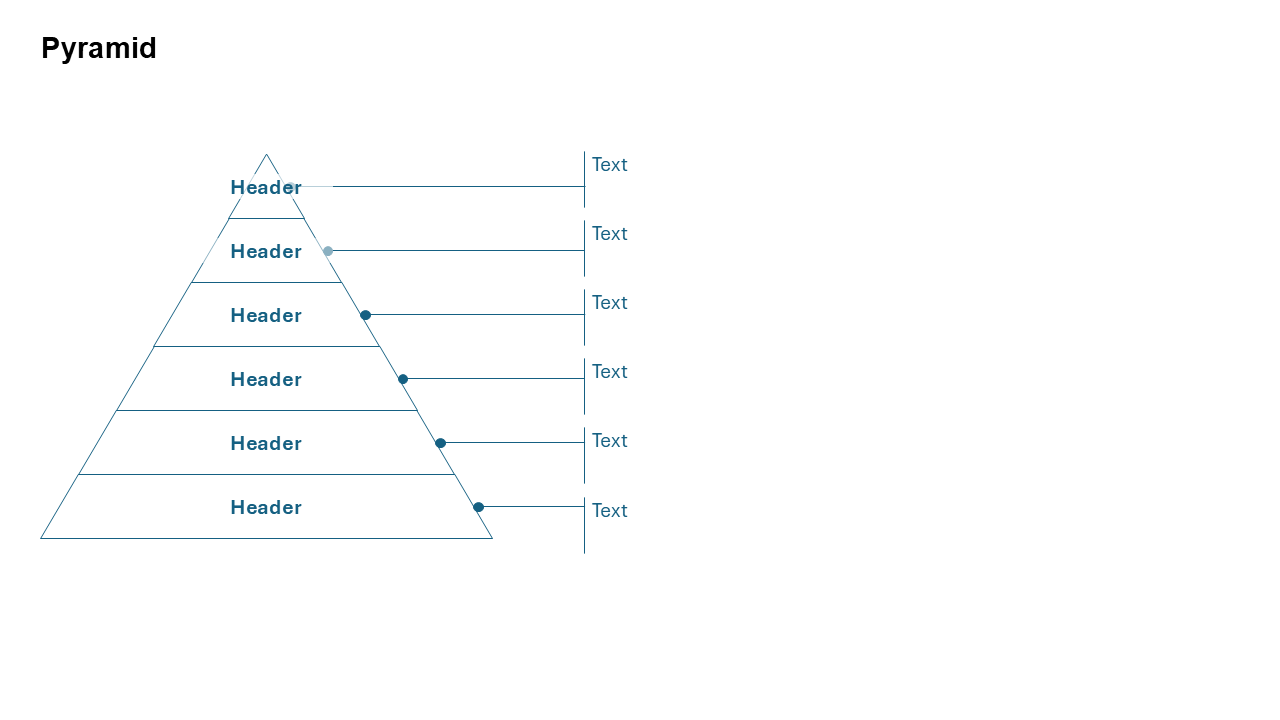
What is a Pyramid Slide?
A Pyramid Slide is a visual framework that organizes information into stacked layers arranged from bottom to top. Each level represents a category, priority, capability, objective, or stage that supports the layers above it. The structure naturally communicates hierarchy, progression, importance, and dependency relationships.
- Strategic planning frameworks.
- Organizational hierarchies.
- Business capability models.
- Maturity assessments.
- Priority and value structures.
Why Use It?
Clearly Shows Hierarchy
Visually communicates the relationship between foundational and higher-level elements.
Simplifies Complex Concepts
Breaks strategic frameworks and business models into manageable layers.
Highlights Priorities
Helps audiences understand which elements are most critical to achieving objectives.
Executive-Friendly Format
Provides a structured view that is widely recognized in business and consulting presentations.
Best Use Cases
- Strategic Planning: Vision, goals, initiatives, and supporting capabilities.
- Maturity Models: Progression from basic to advanced operational capabilities.
- Business Capabilities: Foundational, core, and differentiating competencies.
- Priority Frameworks: Organizing activities based on importance and impact.
- Organizational Structures: Leadership, management, and operational teams.
When to Avoid It
Avoid using a Pyramid Slide when relationships are cyclical, non-hierarchical, or involve multiple interconnected paths. For workflows, timelines, or process-oriented content, process flow diagrams, roadmaps, or circular frameworks may communicate information more effectively.
Tips for Better Pyramid Slides
- Limit the Number of Layers: Four to six levels usually provide optimal readability.
- Place Foundations at the Bottom: Show supporting elements first and outcomes at the top.
- Use Clear Labels: Keep descriptions concise and meaningful.
- Apply Consistent Colors: Differentiate levels while maintaining visual harmony.
- Highlight the Most Important Layer: Emphasize strategic priorities or end goals.
Examples of Pyramid Slides
Business Strategy Pyramid
Mission → Strategic Objectives → Initiatives → Capabilities → Resources
Digital Maturity Model
Basic → Developing → Integrated → Optimized → Transformational
Customer Experience Framework
Processes → Technology → Insights → Engagement → Loyalty
Leadership Development Pyramid
Skills → Experience → Influence → Strategy → Vision
Advantages of Pyramid Slides
- Communicates Hierarchy Clearly: Makes layered relationships easy to understand.
- Supports Strategic Storytelling: Shows how lower levels enable higher-level success.
- Executive-Friendly: Commonly used in consulting and leadership presentations.
- Visually Memorable: Pyramid structures are intuitive and easy to recall.
- Highly Versatile: Suitable across strategy, HR, operations, technology, and marketing.
Common Types of Pyramid Slides
- Strategy Pyramid: Connects mission, objectives, initiatives, and execution.
- Maturity Pyramid: Illustrates progression through capability levels.
- Priority Pyramid: Organizes activities by importance or value.
- Organizational Pyramid: Shows reporting structures and management levels.
- Capability Pyramid: Highlights foundational and advanced competencies.
- Customer Value Pyramid: Demonstrates how products create increasing value.
Pyramid Slide vs Funnel Slide
Although both visuals use triangular shapes, Pyramid Slides and Funnel Slides communicate different business concepts.
- Pyramid Slide: Shows hierarchy, priorities, or layered relationships.
- Funnel Slide: Shows filtering, conversion, and reduction processes.
- Pyramid Slide: Focuses on structure and dependencies.
- Funnel Slide: Focuses on movement and progression.
- Pyramid Slide: Common in strategy and organizational frameworks.
- Funnel Slide: Common in sales, marketing, and recruitment processes.
Conclusion
The Pyramid Slide is one of the most powerful business presentation layouts for communicating hierarchical relationships, strategic priorities, maturity levels, and organizational structures. Its layered design helps audiences understand how foundational elements support higher-level outcomes, making it an essential tool for consultants, executives, managers, and business leaders.
Related Slides
Circular Flow | | Linear Process Flow | | Filter | | Fish Bone | | Funnel | | Market Size | | Pillar | | Pyramid | | Roadmap | | Steps | | Chart | |
Create Professional Pyramid Slides in Seconds
Use Slidedoer PowerPoint Add-in to instantly build pyramid diagrams, strategic frameworks, maturity models, hierarchy slides, and 60+ business presentation layouts.
Try Slidedoer