Circular Flow Slide in PowerPoint
Many business activities operate as continuous cycles rather than linear processes. Strategic planning, quality improvement, customer engagement, product development, and operational excellence often involve repeating stages that continuously feed into one another. A Circular Flow Slide is one of the most effective visual tools for communicating these recurring processes.
With the Slidedoer PowerPoint Add-in, you can quickly create professional Circular Flow Slides that help audiences understand cyclical relationships, continuous improvement initiatives, recurring workflows, and interconnected business functions. The circular design naturally emphasizes continuity, iteration, and ongoing progress.
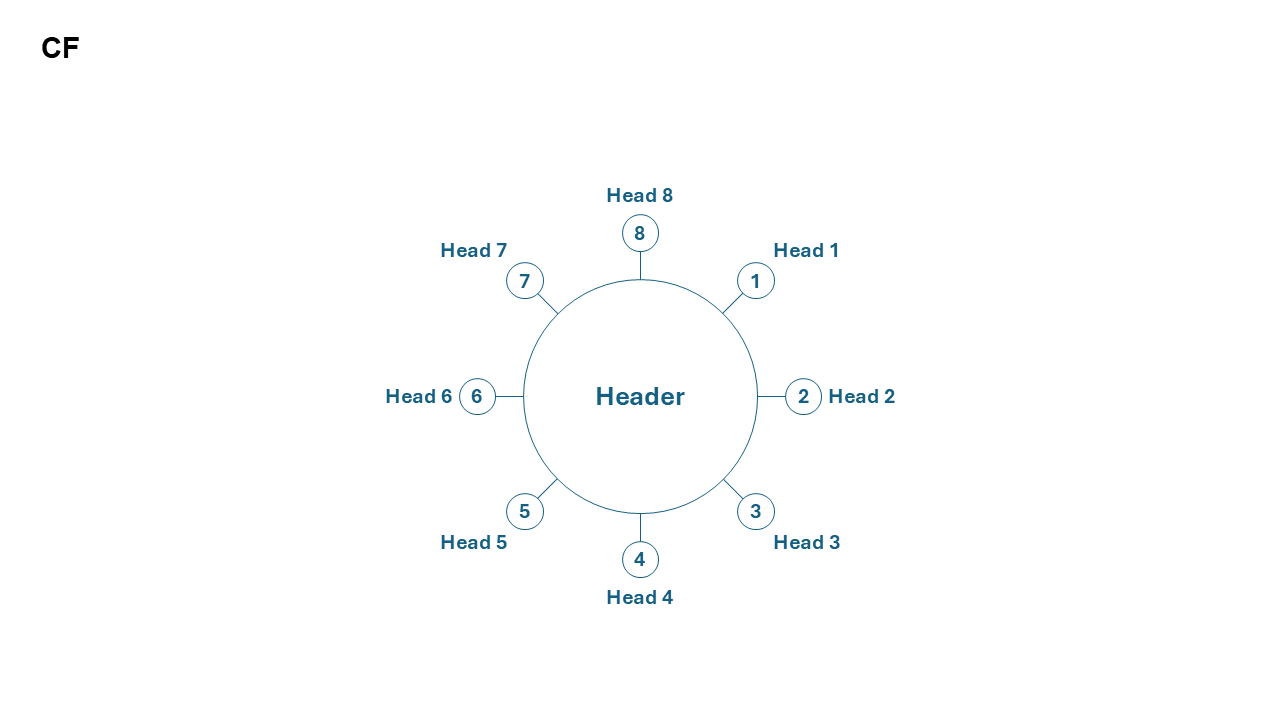
What is a Circular Flow Slide?
A Circular Flow Slide is a visual diagram that presents a sequence of interconnected stages arranged in a circular pattern. Unlike linear process diagrams, circular flows emphasize that the process continues indefinitely, with the final stage leading naturally back to the beginning.
- Continuous improvement cycles.
- Business process management.
- Product lifecycle management.
- Strategic planning frameworks.
- Customer engagement cycles.
Why Use It?
Illustrates Continuous Processes
Clearly demonstrates that activities repeat continuously rather than ending after a final step.
Highlights Interdependence
Shows how each stage contributes to the success of the next stage within the cycle.
Simplifies Complex Systems
Breaks recurring workflows into understandable stages that are easy to communicate.
Supports Strategic Storytelling
Creates compelling visual narratives around growth, optimization, and continuous improvement.
Best Use Cases
- PDCA Cycle: Plan → Do → Check → Act.
- Customer Lifecycle: Awareness → Acquisition → Engagement → Retention → Advocacy.
- Product Lifecycle: Development → Launch → Growth → Maturity → Enhancement.
- Business Improvement: Assessment → Planning → Execution → Measurement → Optimization.
- Strategic Management: Analyze → Plan → Implement → Monitor → Refine.
When to Avoid It
Avoid using a Circular Flow Slide when your process has a clear beginning and end, contains multiple decision branches, or follows a strictly sequential path. In such situations, linear process flows, timelines, or decision-tree diagrams may provide greater clarity.
Tips for Better Process Flow Slides
- Limit the Number of Stages: Four to eight stages generally provide the best readability.
- Use Clear Labels: Keep stage names concise and action-oriented.
- Apply Consistent Design: Use consistent colors, icons, and shapes throughout the cycle.
- Highlight Key Stages: Emphasize critical steps using visual cues.
- Maintain Visual Balance: Space stages evenly around the circle for a professional appearance.
Examples of Circular Flow Slides
Continuous Improvement Cycle
Plan → Execute → Measure → Improve → Repeat
Customer Experience Cycle
Attract → Convert → Engage → Retain → Advocate
Product Innovation Cycle
Research → Design → Build → Launch → Learn
Performance Management Cycle
Set Goals → Execute → Monitor → Evaluate → Optimize
Advantages of Circular Flow Slides
- Emphasizes Continuity: Demonstrates ongoing and recurring activities.
- Easy to Understand: Presents complex cyclical processes visually.
- Executive-Friendly: Ideal for management and strategy presentations.
- Encourages Process Thinking: Helps audiences understand system-wide relationships.
- Highly Versatile: Applicable across operations, marketing, HR, finance, and strategy.
Conclusion
The Circular Flow Slide is one of the most effective business presentation layouts for visualizing recurring processes, continuous improvement initiatives, and interconnected business activities. By presenting information in a circular structure, organizations can communicate how each stage contributes to long-term growth, optimization, and operational success.
Related Slides
Circular Flow | | Linear Process Flow | | Filter | | Fish Bone | | Funnel | | Market Size | | Pillar | | Pyramid | | Roadmap | | Steps | | Chart | |
Create Professional Circular Flow Slides in Seconds
Use Slidedoer PowerPoint Add-in to instantly build circular flow diagrams, process cycles, strategic frameworks, customer journeys, and 60+ business presentation layouts.
Try Slidedoer