Filter Slide in PowerPoint
Organizations frequently need to explain how large volumes of options, ideas, candidates, projects, or opportunities are systematically evaluated and narrowed down to the most suitable choices. A Filter Slide is an effective presentation layout for visualizing this screening process and demonstrating how decisions are made using predefined criteria.
With the Slidedoer PowerPoint Add-in, you can quickly build professional Filter Slides that help audiences understand prioritization frameworks, selection methodologies, qualification criteria, and evaluation processes. Whether you're presenting investment opportunities, recruitment pipelines, project portfolios, or strategic initiatives, filter diagrams make decision-making transparent and easy to understand.
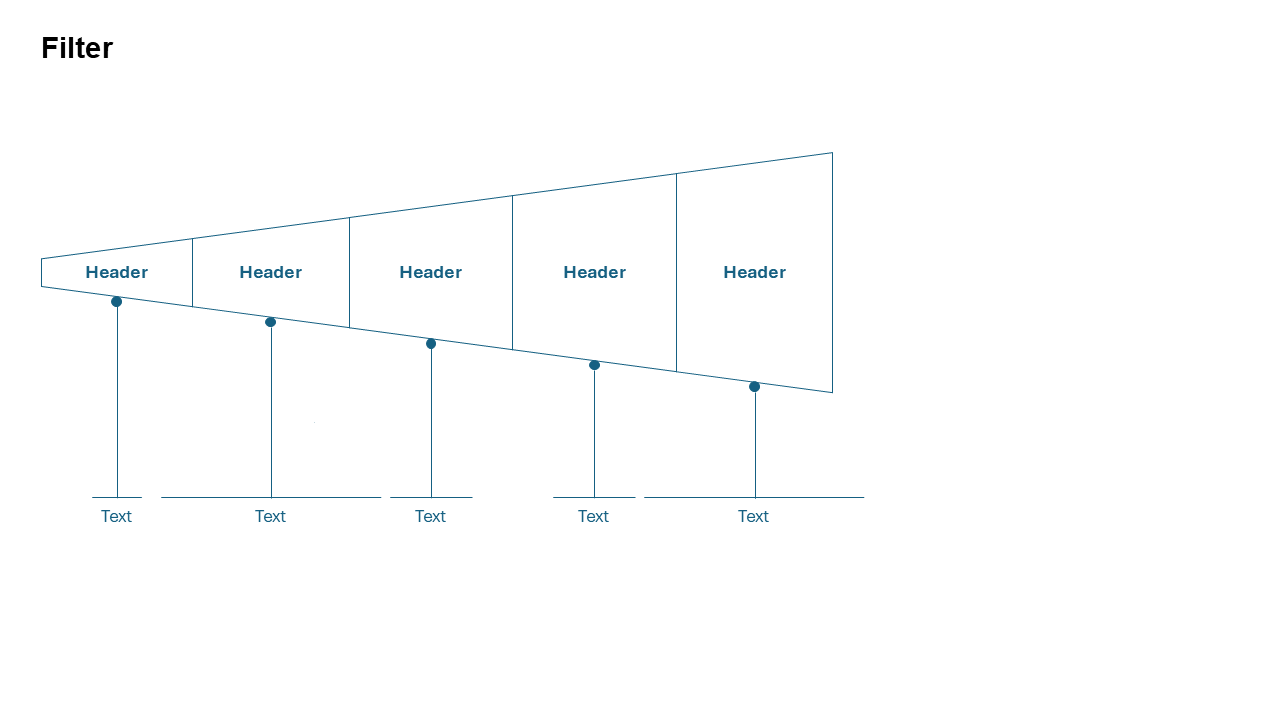
What is a Filter Slide?
A Filter Slide is a visual framework that shows how a large set of inputs is progressively screened through one or more evaluation criteria until only the most qualified options remain. The layout often uses funnels, filters, gates, or layered stages to illustrate the elimination and selection process.
- Project prioritization and portfolio management.
- Recruitment and candidate screening.
- Lead qualification and sales processes.
- Vendor selection and procurement decisions.
- Investment opportunity evaluation.
Why Use It?
Makes Decision Processes Transparent
Clearly shows how options are evaluated and selected using objective criteria.
Simplifies Complex Evaluations
Breaks complicated screening processes into understandable stages.
Builds Stakeholder Confidence
Demonstrates a structured and repeatable approach to decision-making.
Supports Prioritization
Helps teams focus resources on the most promising opportunities.
Best Use Cases
- Project Selection: Evaluate initiatives based on value, feasibility, and strategic alignment.
- Recruitment Screening: Filter applicants through qualifications, interviews, and assessments.
- Lead Qualification: Identify high-potential prospects from large lead pools.
- Vendor Evaluation: Assess suppliers against cost, quality, and capability criteria.
- Investment Analysis: Screen opportunities based on risk, return, and strategic fit.
When to Avoid It
Avoid using a Filter Slide when all options are equally important, when there is no elimination process, or when outcomes depend on parallel activities rather than screening criteria. In such situations, comparison matrices, process flows, or organizational diagrams may provide better clarity.
Tips for Better Filter Slides
- Define Clear Criteria: Make each filtering stage easy to understand.
- Show Quantitative Impact: Include numbers or percentages where applicable.
- Use Progressive Narrowing: Visually demonstrate reduction at each stage.
- Highlight Final Outcomes: Emphasize selected options or recommendations.
- Keep Labels Concise: Use simple language for maximum readability.
Examples of Filter Slides
Recruitment Screening Process
500 Applicants → 100 Qualified Candidates → 20 Interviews → 5 Finalists → 1 Hire
Project Prioritization Framework
100 Ideas → Strategic Fit → Feasibility Assessment → Budget Approval → Top 5 Projects
Lead Qualification Process
Website Leads → Marketing Qualified Leads → Sales Qualified Leads → Opportunities
Vendor Selection Process
Potential Vendors → Technical Evaluation → Commercial Review → Final Selection
Advantages of Filter Slides
- Improves Decision Transparency: Clearly communicates selection logic.
- Supports Objective Evaluation: Encourages consistent decision-making.
- Easy to Understand: Simplifies complex screening processes.
- Executive-Friendly: Presents evaluation frameworks clearly.
- Highly Versatile: Applicable across HR, sales, strategy, finance, and operations.
Filter Slide vs Funnel Slide
Although Filter Slides and Funnel Slides may look similar, they serve different business purposes.
- Filter Slide: Focuses on evaluation criteria and decision-making logic.
- Funnel Slide: Focuses on conversion rates and stage progression.
- Filter Slide: Explains why options are eliminated.
- Funnel Slide: Explains how opportunities move through a process.
- Filter Slide: Common in strategy, procurement, HR, and investment decisions.
- Funnel Slide: Common in sales, marketing, and customer acquisition.
Conclusion
The Filter Slide is an excellent presentation layout for communicating how decisions are made, opportunities are prioritized, and options are narrowed down through structured evaluation criteria. By making screening processes transparent and easy to understand, filter diagrams help organizations build trust, improve decision-making, and communicate recommendations more effectively.
Related Slides
Circular Flow | | Linear Process Flow | | Filter | | Fish Bone | | Funnel | | Market Size | | Pillar | | Pyramid | | Roadmap | | Steps | | Chart | |
Create Professional Filter Slides in Seconds
Use Slidedoer PowerPoint Add-in to instantly build filter diagrams, evaluation frameworks, prioritization models, screening processes, and 60+ business presentation layouts.
Try Slidedoer