Linear Process Flow Slide in PowerPoint
Business presentations often require a clear way to explain a sequence of activities, project stages, customer journeys, operational workflows, or strategic initiatives. A Linear Process Flow Slide is one of the most effective visual tools for presenting step-by-step information in a logical and easy-to-understand format.
With the Slidedoer PowerPoint Add-in, you can instantly build professional Linear Process Flow Slides using pre-designed layouts that save time while ensuring a polished business presentation. Whether you're explaining a process, roadmap, workflow, or methodology, this layout helps your audience quickly understand the progression from one stage to the next.
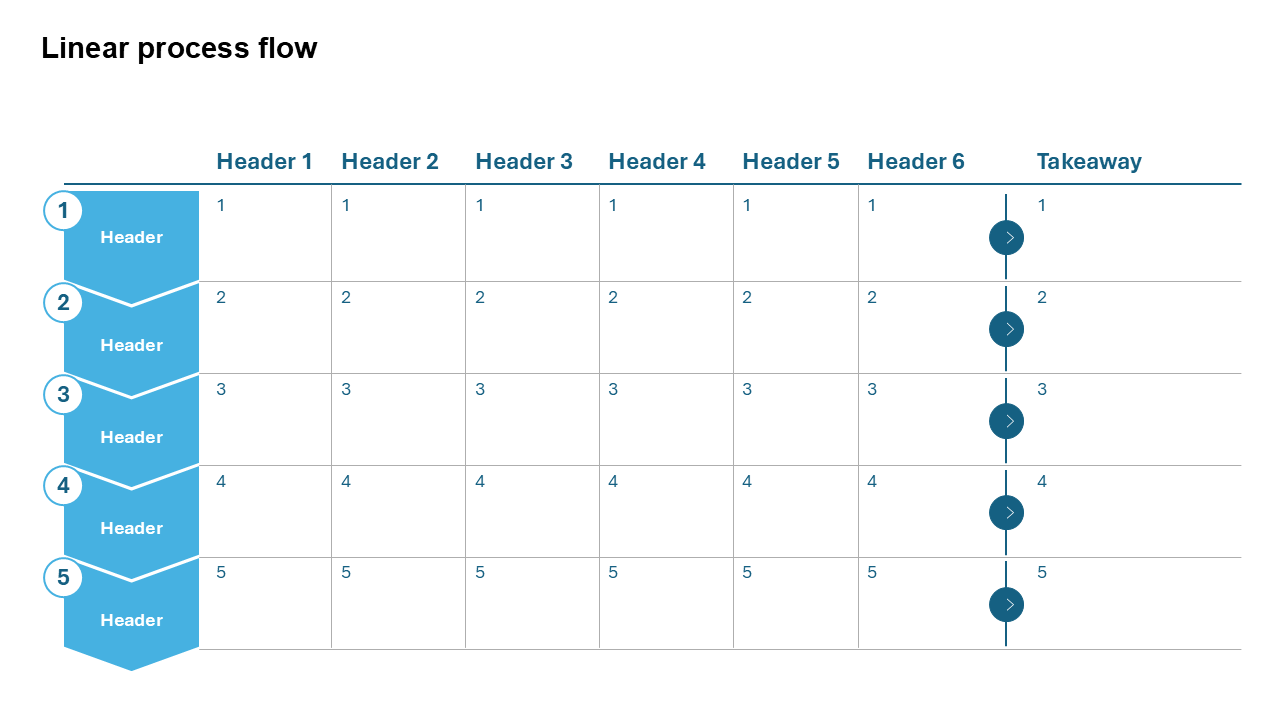
What is a Linear Process Flow Slide?
A Linear Process Flow Slide is a visual representation of a sequence of steps, stages, or activities that occur in a specific order. It uses connected shapes, arrows, milestones, or icons to guide viewers through a process from beginning to end.
- Illustrating business workflows.
- Explaining project phases.
- Presenting customer journeys.
- Visualizing operational procedures.
- Showing strategic implementation plans.
Why Use It?
Simplifies Complex Processes
Break large workflows into manageable stages that are easy to understand.
Improves Communication
Stakeholders quickly grasp process dependencies and progression.
Professional Appearance
Structured process visuals create executive-ready presentations.
Best Use Cases
- Project Management: Planning, execution, monitoring, and closure phases.
- Business Processes: Procurement, sales, recruitment, and approval workflows.
- Customer Journey Mapping: Awareness, consideration, purchase, and retention stages.
- Product Development: Ideation, design, testing, launch, and optimization.
- Strategic Roadmaps: Multi-stage transformation initiatives.
When to Avoid It
Avoid using a linear process flow when activities occur simultaneously, have multiple branching paths, or require detailed decision trees. In such cases, swimlane diagrams, flowcharts, or process maps may be more appropriate.
Tips for Better Process Flow Slides
- Limit Steps: Keep the number of stages manageable.
- Use Consistent Icons: Reinforce understanding visually.
- Keep Labels Short: Use concise stage descriptions.
- Highlight Key Milestones: Draw attention to critical phases.
- Show Direction Clearly: Use arrows or connectors consistently.
Examples of Linear Process Flow Slides
Recruitment Process
Job Posting → Screening → Interview → Offer → Onboarding
Product Development Lifecycle
Research → Design → Development → Testing → Launch
Customer Journey
Awareness → Evaluation → Purchase → Adoption → Advocacy
Project Execution Process
Planning → Execution → Monitoring → Delivery → Review
Advantages of Linear Process Flow Slides
- Easy Understanding: Simplifies complex processes.
- Logical Structure: Shows clear progression between stages.
- Executive Friendly: Ideal for business presentations.
- Versatile: Applicable across industries and functions.
- Improves Storytelling: Guides audiences through a narrative.
Conclusion
The Linear Process Flow Slide is one of the most widely used business presentation layouts because it transforms complex workflows into simple, visually engaging stories. Whether you're presenting project phases, operational procedures, customer journeys, or strategic initiatives, a well-designed process flow helps audiences understand information faster and retain key insights.
Related Slides
Circular Flow | | Linear Process Flow | | Filter | | Fish Bone | | Funnel | | Market Size | | Pillar | | Pyramid | | Roadmap | | Steps | | Chart | |
Create Professional Process Flow Slides in Seconds
Use Slidedoer PowerPoint Add-in to instantly build professional process flow slides, timelines, roadmaps, and 60+ business presentation layouts.
Try Slidedoer